Why Ergonomic Workstations Matter
Poor office ergonomics generate chronic neck, shoulder, lower‑back, wrist and eye strain, contributing to the musculoskeletal disorders (MSDs) that account for roughly 30% of U.S. workplace injuries and cost employers billions in workers’ compensation and lost productivity. Adjusting chair height, monitor placement, keyboard and mouse positioning, and incorporating sit‑stand desks restore neutral joint alignment, reduce repetitive‑strain risk, and lower injury rates by up to 50% in clinical studies. NorCal Medical Consulting provides expert on‑site ergonomic assessments, movement‑coaching, and detailed documentation that support injury‑prevention programs, legal defense, and insurance claim preparation, positioning them as a trusted expert‑witness resource for employers seeking evidence‑based, cost‑effective solutions.
Fundamentals of Workplace Injuries and the Case for Injury‑Free Environments
| Injury Type | Common Causes | Prevention Measures | Impact on Business |
|---|---|---|---|
| Falls (slips, trips, height) | Wet floors, uneven surfaces, clutter, unguarded edges | Prompt cleanup, anti‑slip mats, clear aisles, guardrails | Reduced medical costs, fewer OSHA fines, higher morale |
| Overexertion / Improper Lifting | Heavy loads, awkward postures, repetitive force | Mechanical lifts, training on proper lift techniques, adjustable workstations | Lower workers’‑compensation claims, less absenteeism |
| On‑the‑job Driving | Long drives, lack of breaks, poor vehicle maintenance | Vehicle safety checks, scheduled rest breaks, defensive‑driving courses | Decreased injury claims, fewer lost‑productivity hours |
| Note: An injury‑free workplace also supports OSHA compliance, protects employee health, and enhances corporate reputation. |
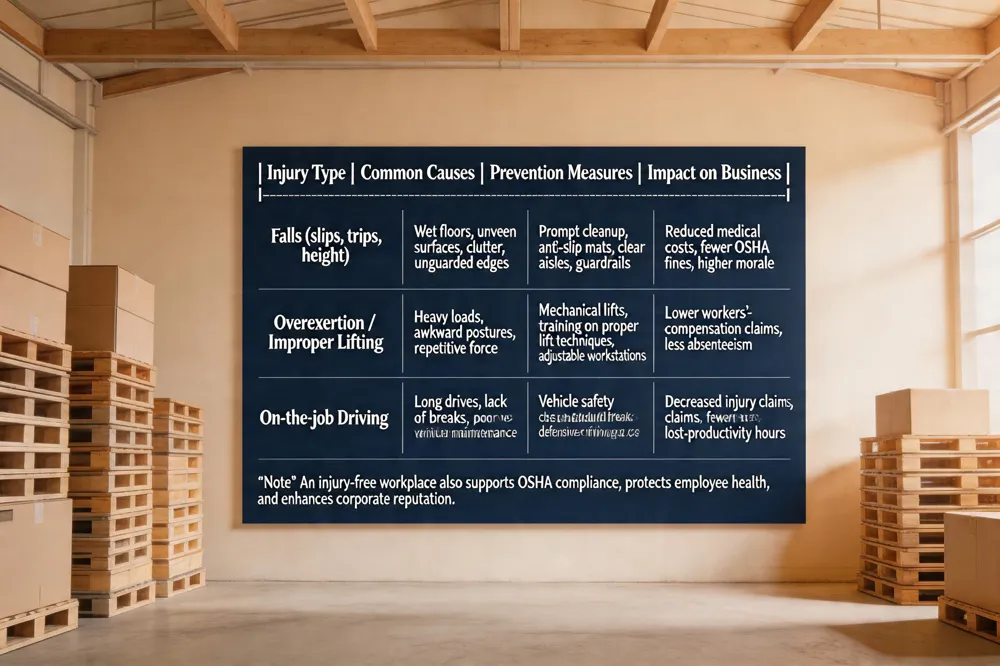 The three most common types of workplace injuries are falls (including slips, trips, and falls from height), overexertion or improper lifting (causing strains, sprains, and back injuries), and on‑the‑job driving incidents (ranging from whiplash to traumatic brain injury). An injury‑free workplace protects employee health, lowers medical and workers‑compensation costs, and prevents lost productivity, OSHA fines, and morale‑draining investigations. It also promotes a safety culture that enhances compliance and business reputation. Under OSHA, workers may refuse work only when an imminent danger of death or serious harm exists, after notifying the employer in good faith and remaining on site until the hazard is corrected; retaliation is prohibited. Employees have a statutory right to a safe, healthful workplace, to request inspections, receive training in understandable language, and access injury records for legal or insurance claims. OSHA’s protections extend to virtually all U.S. workers, regardless of employer, ensuring a universal safety net for the workforce.
Core Principles of Ergonomic Workstation Design
| Principle | Key Action | Ergonomic Benefit |
|---|---|---|
| Look | Center monitor, arm’s length, top at eye level, adequate lighting | Neutral neck posture, reduced eye strain |
| Reach | Keep items within easy reach, elbows 70‑120°, wrists straight | Decreased shoulder/forearm fatigue |
| Sit | Chair adjusted so thighs parallel to floor, feet flat, torso‑to‑thigh angle ≥90° | Lower back stress, improved circulation |
| Support | Proper lumbar, wrist, foot support; relaxed shoulders via armrests | Prevention of MSDs, comfort during prolonged tasks |
| Move | Alternate sitting/standing, micro‑breaks every 30‑60 min | Maintains joint health, reduces musculoskeletal injury risk |
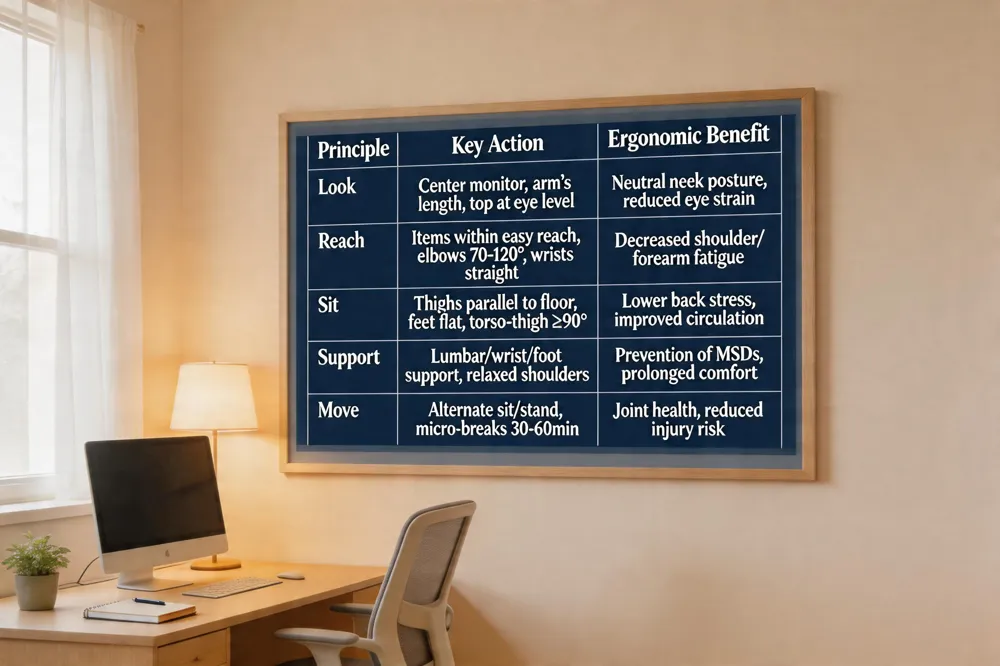 Ergonomics is the scientific study of how people interact with their work environment, aiming to design jobs, tools, and spaces that fit employees’ physical and mental capabilities. By aligning force, posture, repetition, lighting, and equipment, ergonomics reduces muscle fatigue and the risk of musculoskeletal disorders (MSDs). A well‑designed workstation follows five core principles: Look – place the monitor centered, about an arm’s length away, with the top at eye level and adequate lighting; Reach – keep frequently used items within easy reach, elbows close to the body (70‑120°) and wrists straight; Sit – adjust the chair so thighs are parallel to the floor, feet flat or on a footrest, maintaining a torso‑to‑thigh angle of ≥90°; Support – provide proper lumbar, wrist, and foot support, and set armrests so shoulders stay relaxed; Move – alternate sitting and standing, take regular micro‑breaks, and change posture throughout the day. Implementing these principles promotes neutral joint alignment, reduces strain, and supports an injury‑free workplace—protecting health, lowering workers’‑compensation costs, and enhancing productivity and compliance with OSHA and legal standards.
Designing the Ideal Ergonomic Workstation
| Component | Recommended Specification | Adjustment Tips |
|---|---|---|
| Chair | Adjustable lumbar support, seat height allowing feet flat, armrests positioned for 70‑120° elbows | Use a footrest if needed; lock chair height after adjustment |
| Desk | Height‑adjustable (sit‑stand), surface height so forearms are parallel to floor | Set desk height before positioning monitor and keyboard |
| Monitor | Arm’s length away, top ≤ eye level, slight downward tilt | Use monitor arm or riser for precise height control |
| Keyboard & Mouse | Forearms parallel to floor, wrists straight, mouse at same height as keyboard | Keep keyboard centered; use ergonomic accessories if needed |
| Footrest / Anti‑fatigue mat | Provides support when feet cannot rest flat; reduces fatigue while standing | Adjust footrest height to maintain 90° knee angle |
| Break Schedule | Micro‑breaks 30‑60 min (stand, stretch, walk) | Set timer or use software reminders |
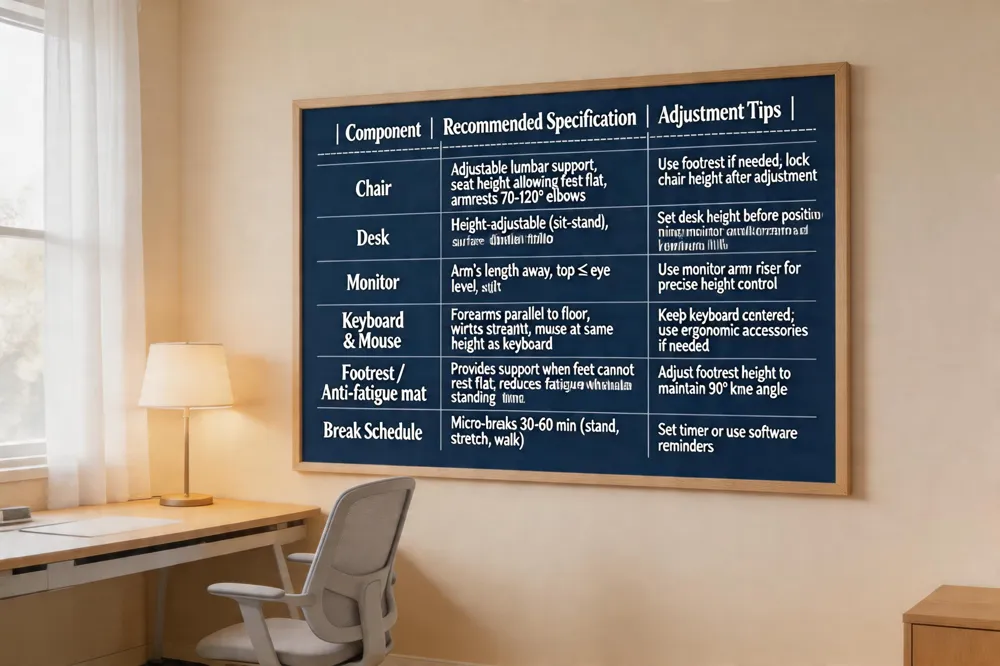 A top‑tier ergonomic workstation begins with an adjustable chair that supports the spine’s natural “S” curve, allows feet to rest flat (or on a footrest), and positions armrests so elbows stay close to the body. Pair this with a height‑adjustable desk—preferably a sit‑stand model—so forearms are parallel to the floor when typing. Position the monitor an arm’s length away, with the top of the screen at or just below eye level, and tilt it slightly to reduce neck flexion. Place the keyboard and mouse directly in front, keeping wrists straight and shoulders relaxed; keep frequently used items within easy reach and use a headset for extended calls. Add a footrest or anti‑fatigue mat if standing for long periods. Finally, incorporate micro‑breaks every 30–60 minutes (stand, stretch, or walk) to maintain circulation and prevent musculoskeletal and auditory‑related injuries.
Tools, Resources, and Documentation for Ongoing Ergonomic Success
| Resource | Format | Primary Use | Access Link |
|---|---|---|---|
| Workstation Ergonomics Guide | Comprehensive setup checklist, claim documentation | https://connectionspt.com/preventing-common-injuries-with-ergonomics-for-office-workers/ | |
| Office Ergonomics Checklist | Web page / PDF | Quick self‑assessment of chair, monitor, keyboard, lighting | https://www.mayoclinic.org/healthy-lifestyle/adult-health/in-depth/office-ergonomics/art-20046169 |
| Ergonomic Setup Guidelines | Detailed recommendations, downloadable self‑assessment | https://www.osha.gov/ergonomics/control-hazards | |
| Desk‑Setup Diagram | Image | Visual reference for optimal spatial relationships | (internal resource) |
| Two‑Monitor Setup Guide | Positioning advice for dual‑monitor users | (internal resource) | |
| Ergonomic Desk‑Setup Calculator | Web tool | Generates optimal heights based on anthropometrics | (internal resource) |
| All resources support legal/insurance claims by documenting risk‑factor mitigation. |
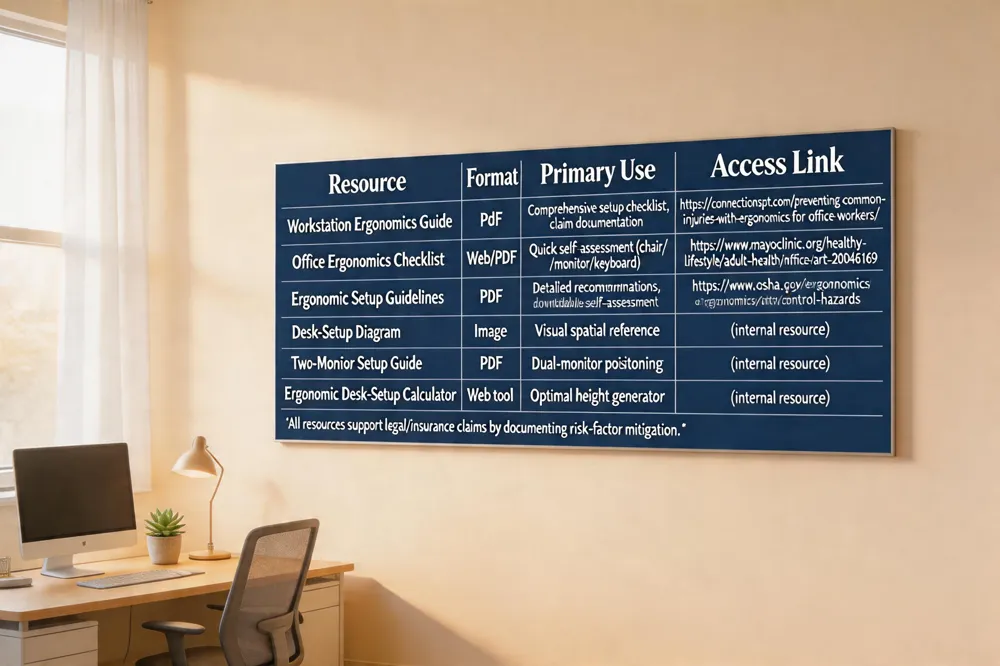 The Workstation Ergonomics PDF serves as a comprehensive guide that outlines best‑practice setup for computer workstations, including a self‑assessment checklist for chair height, keyboard and mouse positioning, monitor placement, lighting, and micro‑breaks. Following the checklist helps identify risk factors and supports legal and insurance claims related to musculoskeletal strain and auditory loss.
An office ergonomics checklist starts with a fully adjustable chair that supports the lumbar spine, allows feet flat on the floor (or a footrest) and positions thighs parallel to the floor. The monitor should be an arm’s length away with the top at or just below eye level. Keyboard and mouse must be at elbow height, wrists straight, and within easy reach. Adequate leg clearance, padded desk edges, and frequent postural breaks every 30 minutes complete the checklist.
The ergonomic office setup guidelines PDF expands on these principles, emphasizing lumbar support, neutral wrist posture, and the inclusion of a downloadable self‑assessment checklist to verify each element for claim documentation.
A desk‑setup diagram visually depicts the optimal spatial relationship among chair, monitor, keyboard, mouse, footrest, and lighting, reinforcing neutral posture and reducing musculoskeletal stress.
For dual‑monitor users, the two‑monitor setup recommends placing the primary screen directly in front at eye level and the secondary screen slightly off‑center but at the same height and tilt, keeping both within an arm’s length to avoid neck rotation.
Finally, an ergonomic desk‑setup calculator uses individual anthropometric data to generate optimal desk, chair, monitor, and keyboard heights, ensuring adjustments remain aligned with body dimensions and supporting injury‑prevention documentation for NorCal Medical Consulting’s workplace‑injury assessments.
Integrating Ergonomics Into a Comprehensive Safety Culture
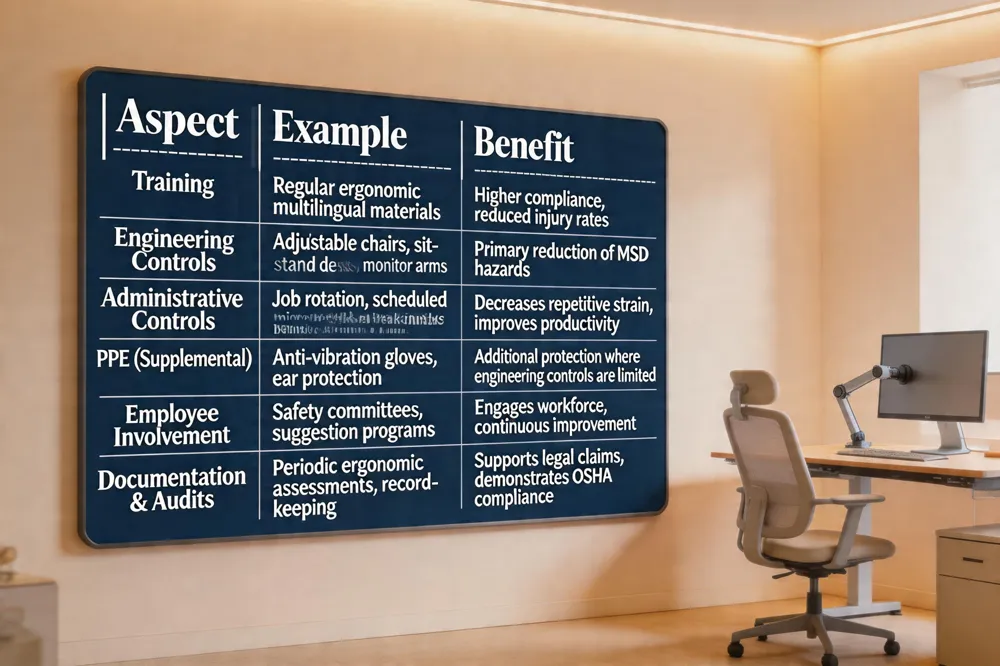
| Aspect | Example | Benefit |
|---|---|---|
| Training | Regular ergonomic workshops, multilingual materials | Higher compliance, reduced injury rates |
| Engineering Controls | Adjustable chairs, sit‑stand desks, monitor arms | Primary reduction of MSD hazards |
| Administrative Controls | Job rotation, scheduled micro‑breaks, break‑time reminders | Decreases repetitive strain, improves productivity |
| PPE (Supplemental) | Anti‑vibration gloves, ear protection | Additional protection where engineering controls are limited |
| Employee Involvement | Safety committees, suggestion programs | Engages workforce, continuous improvement |
| Documentation & Audits | Periodic ergonomic assessments, record‑keeping | Supports legal claims, demonstrates OSHA compliance |
 What is the importance of ergonomics in the workplace?
Ergonomics aligns job design with workers’ physical capabilities, preventing musculoskeletal disorders (MSDs) such as carpal tunnel, back pain, and tendonitis. Neutral postures reduce muscle fatigue, lower injury‑related absenteeism, and improve focus, yielding higher productivity and a measurable decrease in workers‑compensation costs (OSHA, NIOSH, Mayo Clinic).
What is the importance of ergonomics in the workplace?
Ergonomics aligns job design with workers’ physical capabilities, preventing musculoskeletal disorders (MSDs) such as carpal tunnel, back pain, and tendonitis. Neutral postures reduce muscle fatigue, lower injury‑related absenteeism, and improve focus, yielding higher productivity and a measurable decrease in workers‑compensation costs (OSHA, NIOSH, Mayo Clinic).
How to prevent ergonomic hazards Identify risk factors—repetitive motions, awkward reaches, forceful exertions—and apply engineering controls first (adjustable chairs, sit‑stand desks, monitor arms, lift devices). When engineering solutions are limited, use administrative controls: job rotation, scheduled micro‑breaks every 20‑60 minutes, and targeted training. PPE, such as anti‑vibration gloves, serves only as a supplemental safeguard (OSHA Effectiveness Pyramid).
Examples of bad ergonomics in the workplace Improper chair height forcing forward‑head posture, keyboard placed too low causing wrist extension, and prolonged static sitting without movement breaks lead to chronic neck, shoulder, and lower‑back strain (Mayo Clinic, Connections Physical Therapy).
Ergonomics safety in the workplace A systematic program—guided by OSHA and NIOSH—includes on‑site assessments, employee involvement, and documentation of controls to support legal and insurance claims (NorCal Medical Consulting).
Workplace posture and ergonomics Maintain 90‑degree angles at hips, knees, and elbows; keep feet flat or on a footrest; place monitor top at eye level about an arm’s length away. Regular stretching and posture coaching mitigate cumulative trauma (Physical Therapy Association, UCLA Ergonomics).
Safety in the workplace examples Provide PPE (headsets, anti‑fatigue mats), enforce machine‑guarding, and ensure adequate lighting to reduce MSDs and auditory damage (OSHA, ViewSonic).
Ergonomics in the workplace examples Adjustable lumbar‑support chairs, height‑adjustable desks, ergonomic keyboards/mice, monitor risers, and footrests constitute evidence‑based solutions that lower injury rates and support claim documentation (Connections Physical Therapy, OSHA).
Legal, Compensation, and Documentation Considerations
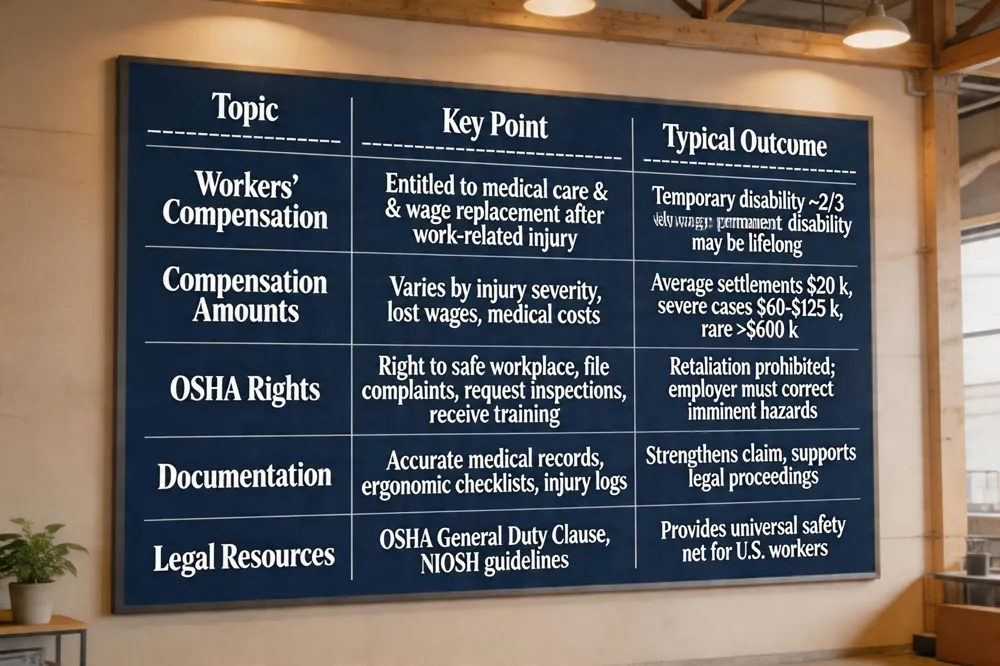
| Topic | Key Point | Typical Outcome |
|---|---|---|
| Workers’ Compensation | Entitled to medical care & wage replacement after work‑related injury | Temporary disability ~2/3 weekly wage; permanent disability may be lifelong |
| Compensation Amounts | Varies by injury severity, lost wages, medical costs | Average settlements $20 k; severe cases $60‑$125 k, rare >$600 k |
| OSHA Rights | Right to safe workplace, file complaints, request inspections, receive training | Retaliation prohibited; employer must correct imminent hazards |
| Documentation | Accurate medical records, ergonomic checklists, injury logs | Strengthens claim, supports legal proceedings |
| Legal Resources | OSHA General Duty Clause, NIOSH guidelines | Provides universal safety net for U.S. workers |
 If I get injured at work do I get paid?
Yes. When a work‑related injury occurs, workers are entitled to workers’ compensation benefits covering medical care and wage replacement. Temporary disability typically pays about two‑thirds of the employee’s average weekly wage, while permanent total disability may continue for life. Benefits are funded by the employer’s insurance, not the employee’s paycheck, and are provided without proving fault. Prompt reporting and adherence to medical and legal procedures are essential.
How much compensation can you get for an injury at work?
Payouts vary widely. Most settlements fall between $2,000 and $40,000, with an average near $20,000. Severe or catastrophic injuries can exceed $60,000‑$125,000, and rare cases surpass $600,000. The final amount reflects lost wages, current and future medical costs, injury severity, and required vocational rehabilitation. Accurate medical documentation—especially for specialized injuries such as auditory loss—maximizes recoverable losses.
Workstation Ergonomics PDF
This printable guide offers a step‑by‑step self‑assessment checklist covering chair height, monitor placement, keyboard/mouse alignment, lighting, and break schedules. Based on OSHA, NIOSH, and occupational therapy best practices, it helps employees quickly identify and correct ergonomic risk factors, supporting stronger legal and insurance claims.
Computer Ergonomics PDF
A downloadable resource outlines proper seated posture, chair adjustments, monitor distance, and accessories such as wrist rests and laptop stands. Following the checklist reduces musculoskeletal strain and can be cited in injury assessments.
OSHA ergonomics standard PDF
OSHA provides guidance under the General Duty Clause rather than a standalone standard. Relevant PDFs—"Ergonomics for the Prevention of Musculoskeletal Disorders" and the "Ergonomic Hazards Workbook"—are available on OSHA’s website and detail risk identification and control measures.
Workers have a right to OSHA
Employees are legally entitled to a safe workplace. They may file confidential complaints, request inspections, receive training in a language they understand, and obtain injury records. Retaliation for refusing unsafe work is prohibited, reinforcing the right to a hazard‑free environment.
Putting Ergonomics Into Practice
Key takeaways: Proper workstation design—adjustable chair, monitor at eye level, neutral wrist posture, and regular micro‑breaks—reduces neck, shoulder, back and wrist injuries by up to 50 %. Ergonomic assessments identify hidden risk factors before claims arise. Role of NorCal Medical Consulting: Provides on‑site and virtual ergonomic evaluations, documents posture analysis, and supplies expert reports that support workers’ compensation and litigation defense. The firm’s expert witnesses translate clinical findings into legal language, strengthening claim credibility. Next steps for employers: Conduct a baseline assessment, implement engineering controls (adjustable desks, monitor risers), train staff on posture and break protocols, and schedule re‑evaluations to maintain compliance.